
Hardware Presets
Many pedals can store presets in their own onboard memory — recallable from the pedal’s footswitches with no computer attached. Nitelite can write your Tone Library presets into those slots and keep track of what lives where.
Cloud Presets vs. Hardware Slots
Section titled “Cloud Presets vs. Hardware Slots”- Tone Library presets live in Nitelite’s cloud. Unlimited, shareable, but the app has to be connected to apply them.
- Hardware slots live in the pedal itself. Limited in number (a Chase Bliss pedal has 122; a Strymon BigSky has 300; others vary), but they work on a dark stage with no laptop in sight.
The workflow: build and refine presets in Nitelite, then write your keepers to the pedal.
Writing a Preset to the Pedal
Section titled “Writing a Preset to the Pedal”- Load or save the preset you want (via the Presets dropdown or the Tone Library).
- Click Write to pedal in the pedal header.
- Pick a slot — Nitelite suggests the preset’s existing slot if it already has one, or the first empty slot.
The exact write mechanism varies by pedal — some accept a fully automated MIDI save, others need you to confirm on the hardware (the modal shows the steps for your pedal). Nitelite handles the MIDI side automatically.
Because a slot write needs a named preset (so Nitelite can remember the assignment), Write to pedal stays disabled until a preset is loaded.
Keeping Track: the Presets Dropdown and Hardware Panel
Section titled “Keeping Track: the Presets Dropdown and Hardware Panel”The Presets dropdown in the pedal header shows your saved presets for the current pedal plus a running count of hardware slots used (e.g. HW SLOTS · 3/300 USED):
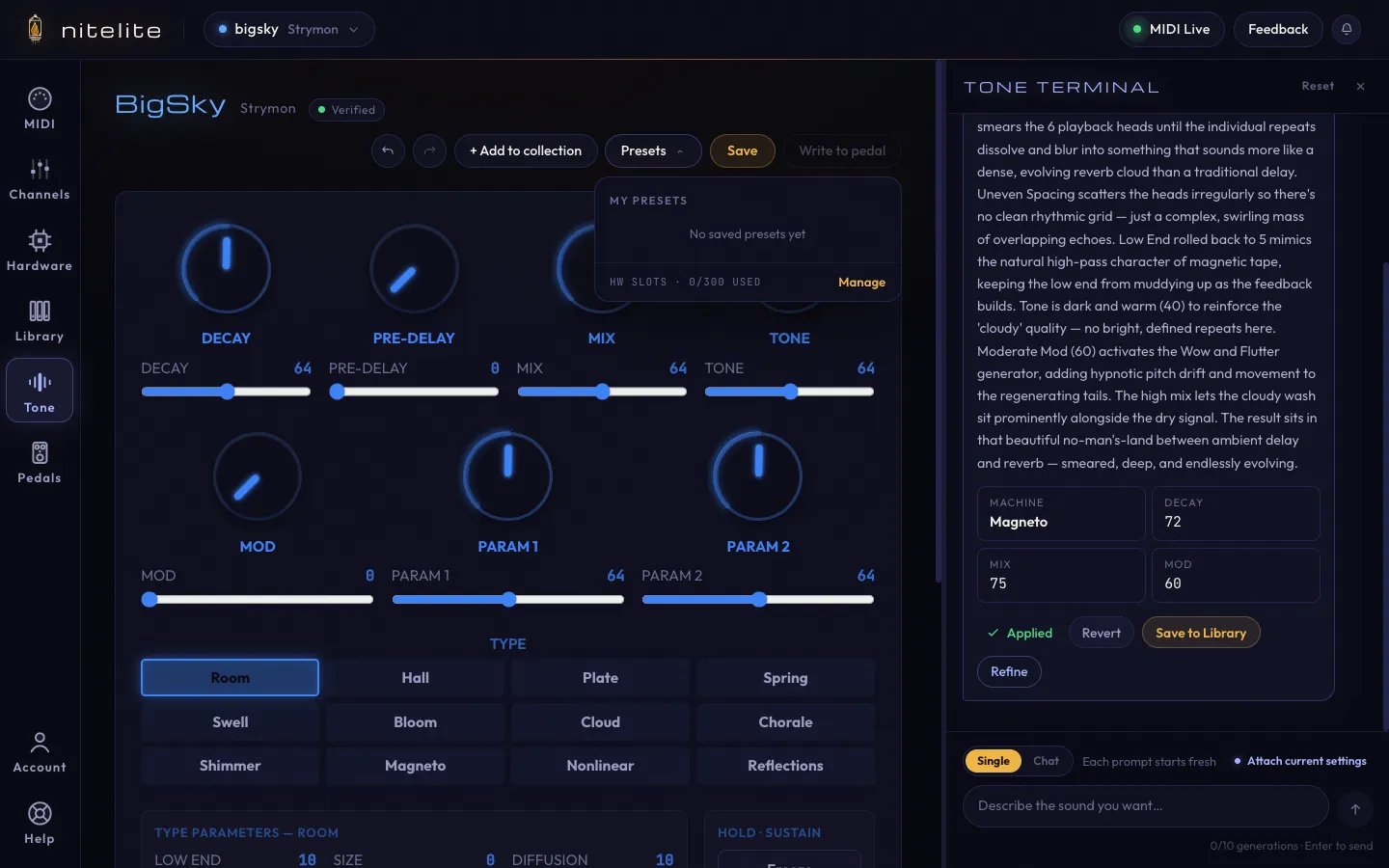
Click Manage (or open the Hardware panel from the sidebar) to see slot assignments across every pedal in your collection:
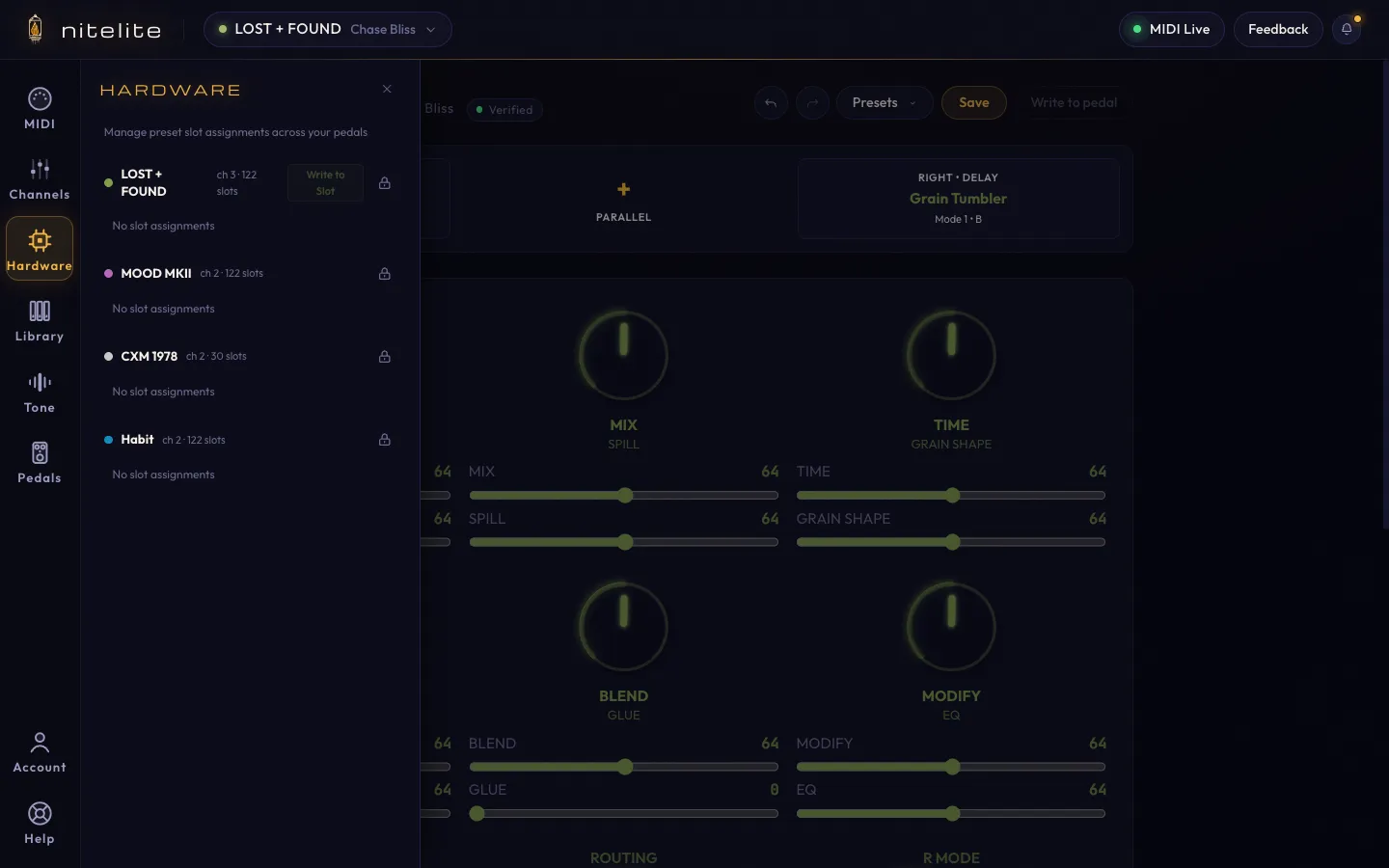
This answers the question every preset-heavy player eventually asks: “what did I put in slot 47 again?”
Recalling Slots
Section titled “Recalling Slots”Recall a slot from the Hardware panel and Nitelite sends the recall message (a MIDI Program Change) to the pedal — and, since it knows which preset is assigned there, loads the matching settings on screen so software and hardware stay in sync.
One Chase Bliss quirk worth knowing: preset 0 / Program Change 0 means “exit presets and return to Live Mode” on Chase Bliss pedals, not “slot zero”. Nitelite handles this for you.
For the full workflow, see the Put Your Presets on the Pedal tutorial.