
What You Need
Nitelite works in your browser — no software to install, and no account required to try it. Here’s what you need before you begin.
A Supported Pedal
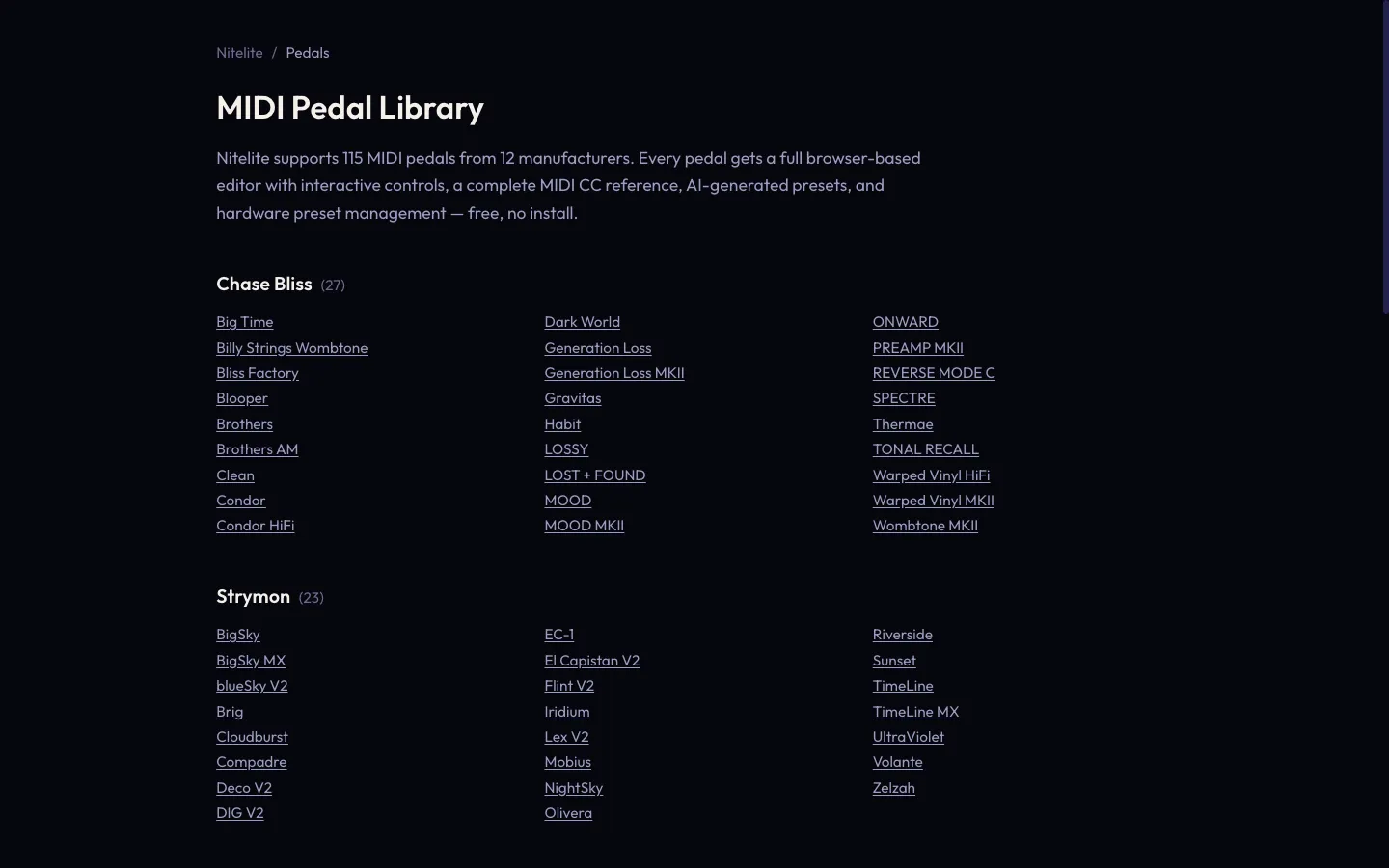
Section titled “A Supported Pedal”Nitelite supports 115 pedals across 12 manufacturers (as of July 2026):
| Manufacturer | Pedals |
|---|---|
| Chase Bliss Audio | 27 |
| Strymon | 23 |
| Source Audio | 21 |
| Universal Audio (UAFX) | 14 |
| Meris | 7 |
| Eventide | 6 |
| Empress Effects | 6 |
| Hologram Electronics | 3 |
| Darkglass | 3 |
| Line 6 | 2 |
| Endorphin.es | 2 |
| Chase Bliss × Meris | 1 (CXM 1978) |
New pedals are added regularly — browse the always-current list at nitelite.ai/pedals, where every pedal has its own page. Your pedal must have MIDI input; each pedal’s page in Nitelite shows exactly how it connects.
A Way to Get MIDI Out of Your Computer
Section titled “A Way to Get MIDI Out of Your Computer”How your pedal receives MIDI varies by manufacturer — some pedals plug straight into your computer over USB, others need a small USB-MIDI interface, and a few need a manufacturer adapter box.
See Choosing Your MIDI Hardware for recommendations by pedal and budget.
A Supported Browser
Section titled “A Supported Browser”Nitelite uses the Web MIDI API, which requires one of these desktop browsers:
- Chrome (recommended)
- Edge
- Opera
- Brave
Firefox and Safari do not support Web MIDI by default. See Supported Browsers for details.
An Account (Optional, Free)
Section titled “An Account (Optional, Free)”You can connect a pedal and start turning knobs without signing up. Creating a free account at nitelite.ai adds:
- Cloud sync for your pedal collection, MIDI channels, and settings — available on any computer you sign into
- Saving and sharing presets in the Tone Library, plus likes, comments, and follows
- 10 free AI Tone Terminal generations
Ready? Pick your MIDI hardware → or, if you’re already wired up, connect your first pedal →